

Ahead of the sale of Promotion Final tickets to Plainmoor Pass holders on Wednesday 6th May at 9am, the club is advising supporters to check they are familiar with our online ticketing system, and that all their account information is up-to-date.
Here are some useful things to check and prepare to make purchasing tickets as quick as possible.
1. Make sure you can log in to your account
You can log in to your ticketing account here https://torquayunitedfc.ktckts.com/account/login
If you haven’t logged in for a while and can’t remember your password, reset it before Wednesday morning.
You can reset your password here https://torquayunitedfc.ktckts.com/account/forgottenpassword
2. Make sure your online account is associated with your season ticket
You can check this by logging in to the ticketing site (tickets.torquayunited.co.uk) and heading to the ‘My Account’ area.
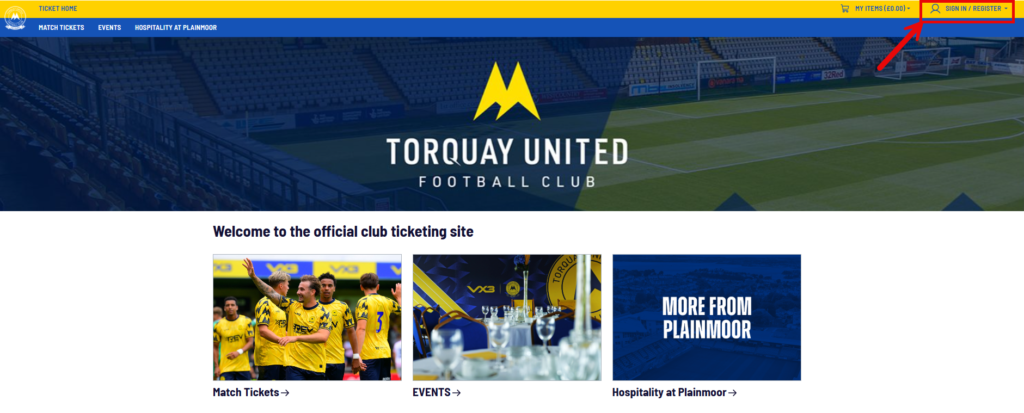
If your season ticket is already associated with your online account, you will see a green ‘season ticket 25/26’ tag at the top of the page.
If it is not visible on your account, please contact us via email with the following information:
- The email address you use to log in to your account online
- The account number that is displayed on your season ticket (it starts “TQY followed by seven digits)
We will investigate it for you and make sure you have everything you need to be able to buy in the priority window.
3. Make sure your friends and family list is up to date
If you are planning to buy multiple tickets on behalf of other Season Ticket Holders, you can add their details to your Friends & Family list so that you can purchase tickets faster on Monday.
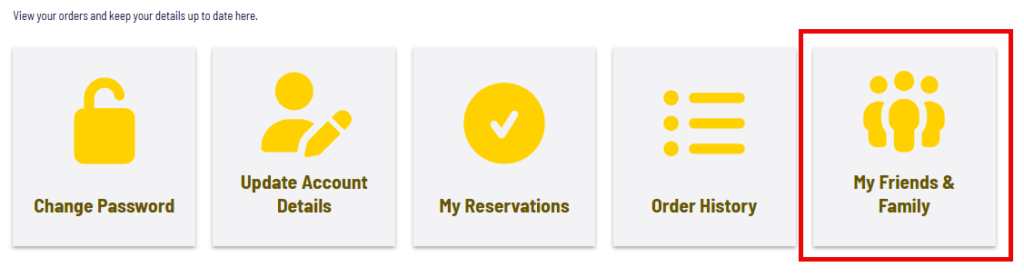
After logging in to your account, go to the Friends & Family section.
Anyone that you have added previously will be displayed in the list.
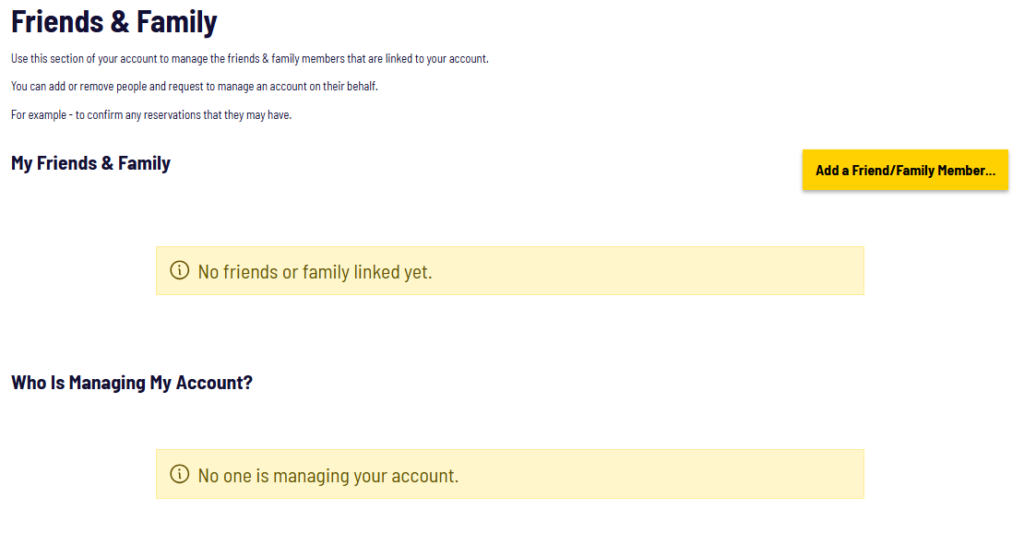
If you want to add more people to the list, click the ‘Add a Friend / Family Member’ button.
Enter their account number (TQYxxxxxxx) and name as it appears on their season ticket and click the ‘Add a Friend / Family Member’ button.
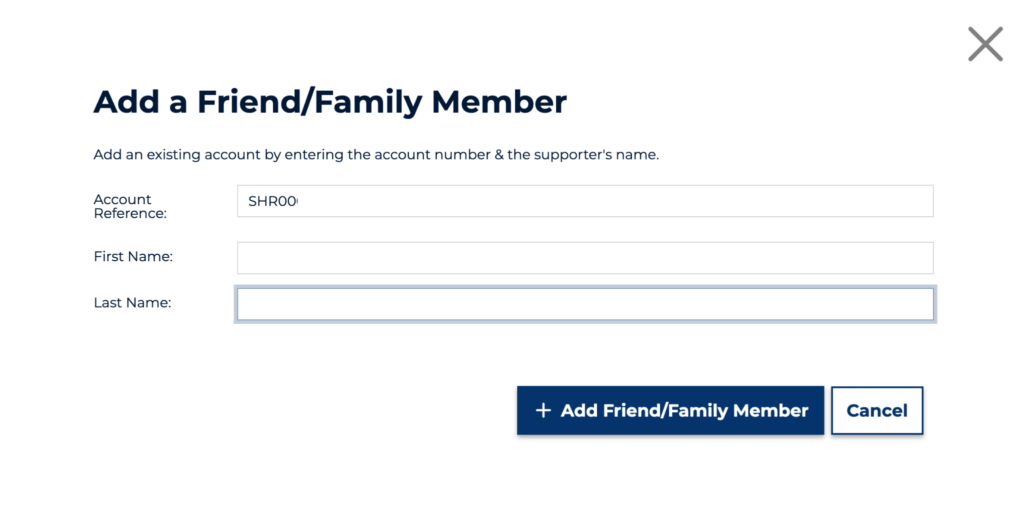
When you have successfully added them, you will see confirmation on the screen.
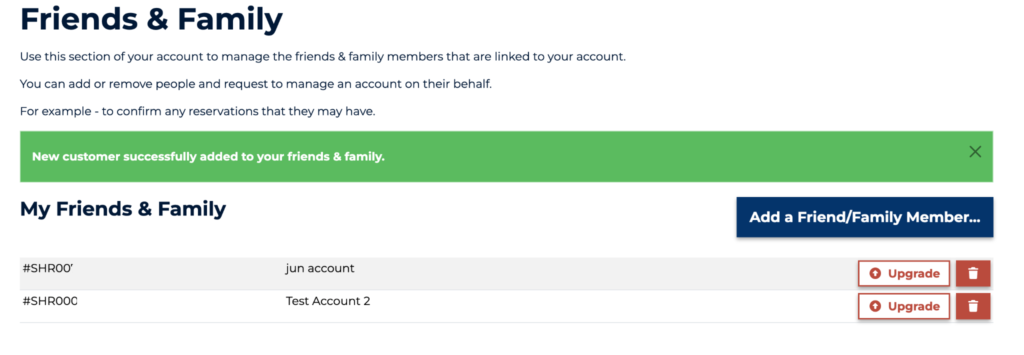
4. How to use the Friends & Family feature
When you buy tickets on Wednesday, you can have one ticket per Season Ticket Holder. You will be able to add more tickets to your basket. One of them will be assigned to you and any additional tickets will need to be assigned to other accounts that are eligible to buy.
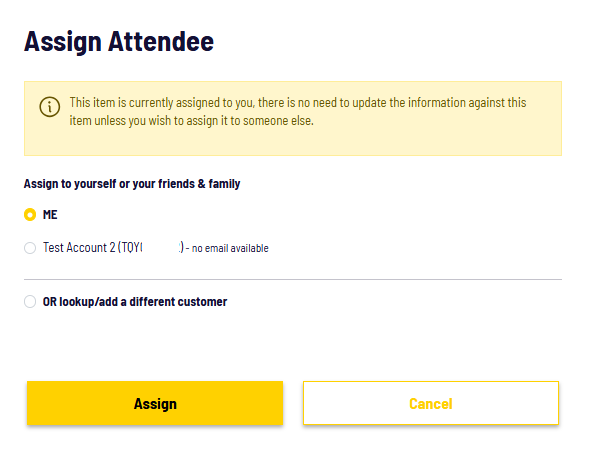
You will be able to assign tickets by clicking on the ‘Add Details’ button next to any unassigned tickets.
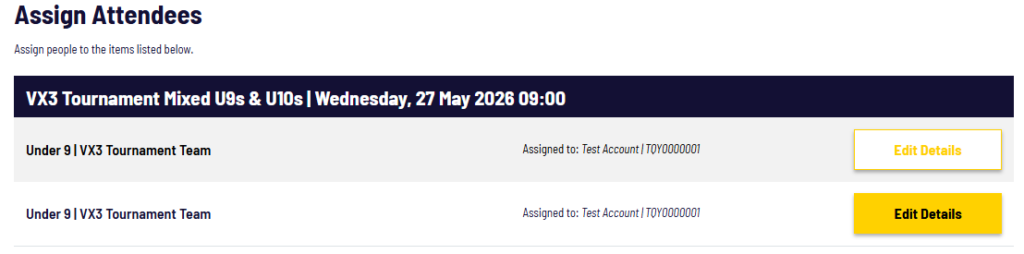
You will see your Friends & Family list in a pop up window. You can select the account you would like to assign the ticket to from the list. Each account can be assigned to a maximum of four tickets.